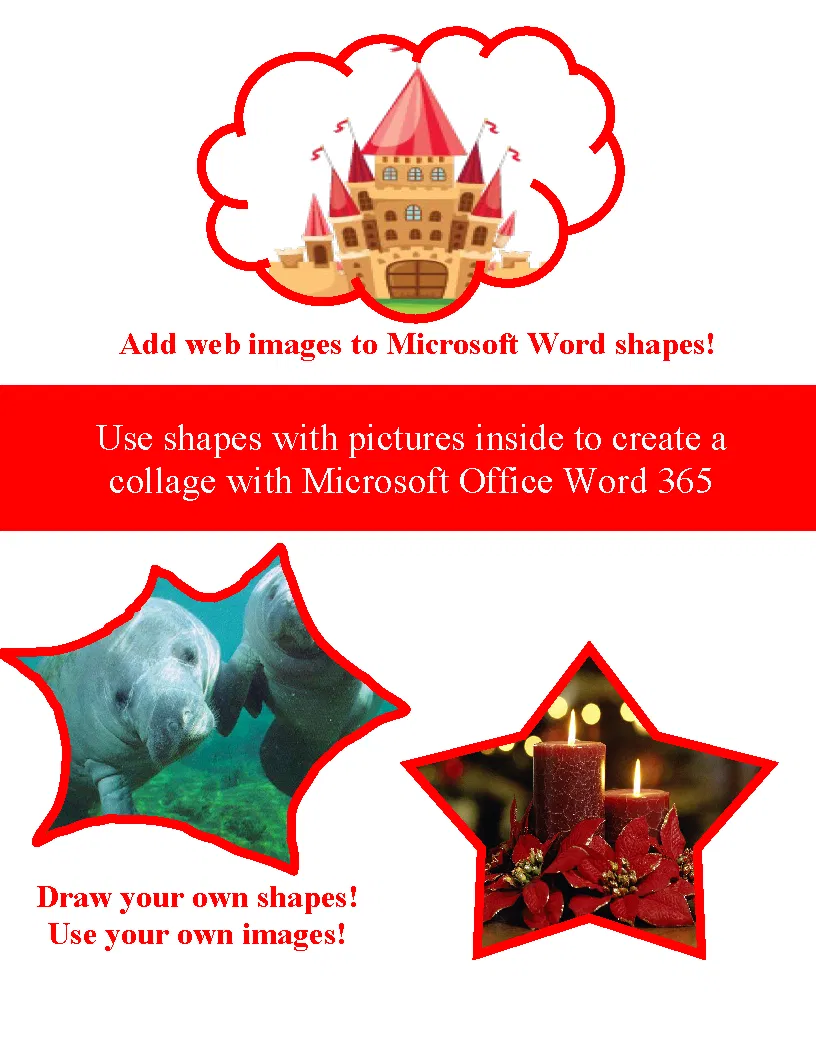
Create a collage with Microsoft Office Word 365
Create a collage with Microsoft Word 2010, 2013 and 2016 - No prep, just print and teach!
1. Your students will learn how to add shapes with pictures using Word 365 to create a collage with varying shapes, sizes, and images inside the shapes..
2. I print out a classroom set so I can reuse them in each class and students follow along with me as I practice with them.
3. Then I assign the assignment on the last page as independent work for 30 - 45 minutes.
This packet contains:
1. Cover page
2-4 has step by step instructions
5. Assignment page with 2 options with rubric
6. Sample collage with rubric score
Update: Companion video available on YouTube
More Microsoft Office lessons will be released, please follow me so you receive updates and news of freebies.
Please rate this item!
Thank you for your purchase!